Tag Archives: blogger tips

Fashion blogger Shloka Narang of The Silk Sneaker reveals how she creates her Instagram stories and her three must have apps

The Three Apps I Use To Create My Instagram Stories

Fashion blogger Shloka Narang of The Silk Sneaker reveals how she creates her Instagram stories and her three must have apps

Let’s Create Those Beautiful Instagram Stories…

I think I get a DM almost every day on my Instagram asking me how I create my Instagram stories, what apps I use to create them, do I use a template for Instagram stories, and so on and so forth. That’s why I’ve decided it’s time to spill my secrets of the trade and share with you the three must-have apps to create beautiful Instagram stories. Don’t forget to tag @thesilksneaker or #inspiredbyTSS if you use these apps to create some super artsy stories, so that I can see them and share your work too! Now, keep in mind, that when I create my Instagram stories, no one app makes them look the way they do. I put a lot of time, effort and creativity into the work I put out for you guys, however, these three apps allow me to translate my ideas into reality for Instagram! Now let’s get cracking, or should I say, snapping!

Over

Over is like an easy photoshop for your phone. It allows you to layer images with shapes and text. It has a wide variety of fonts to choose from, as well as other features including stickers, fun backgrounds and more. I mainly use this app to create the white frames in my images and to sometimes add in text in specific fonts that Instagram stories does not offer.
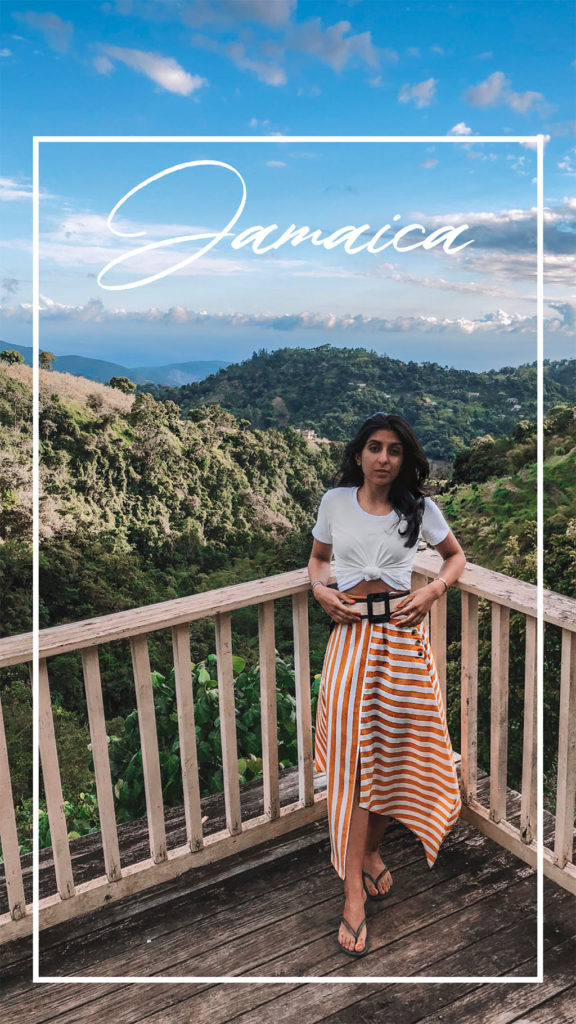
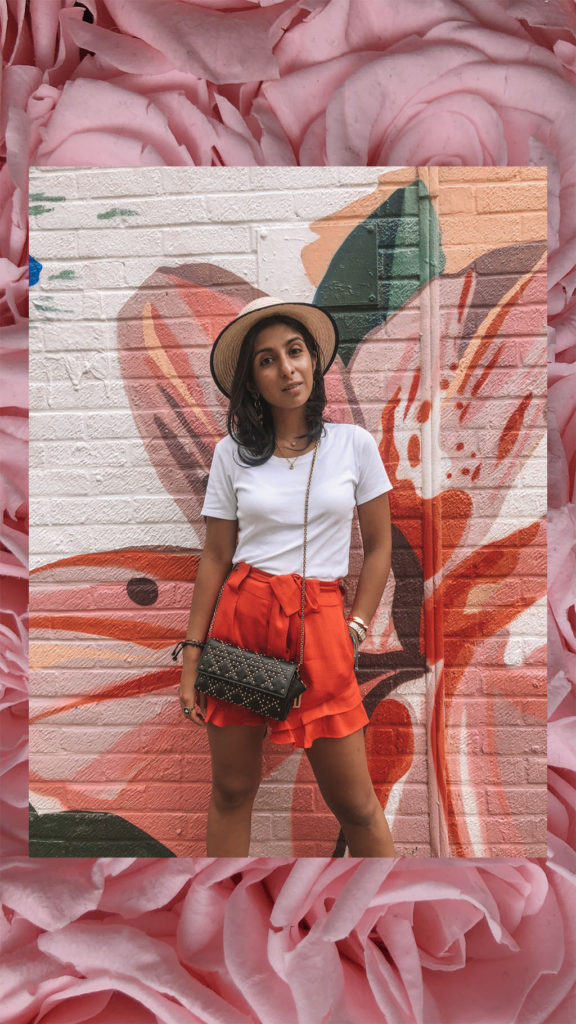
Get Over Here


Fashion blogger Shloka Narang of The Silk Sneaker reveals how she creates her Instagram stories and her three must have apps

Video Leap

You guys have been loving the way I have moving images layered with still images in my Instagram stories and the way I am able to layer photos and videos on my phone is using Video Leap. Video Leap works like a film editing software that you would have on your computer, except on your phone! It’s a great way to create fun little videos!


Get Video Leap Here

After Light

Afterlight is a photo editing app that allows you to also add polaroid frames to your photos. It’s how I’ve been adding all the polaroid frames to my images for my Instagram stories. It also has other fun effects like the light leaks, where you can add different light flares in different colours to your images. There are two versions of it, Afterlight and Afterlight 2. Afterlight 2 does not offer the frames so I would go for Afterlight.
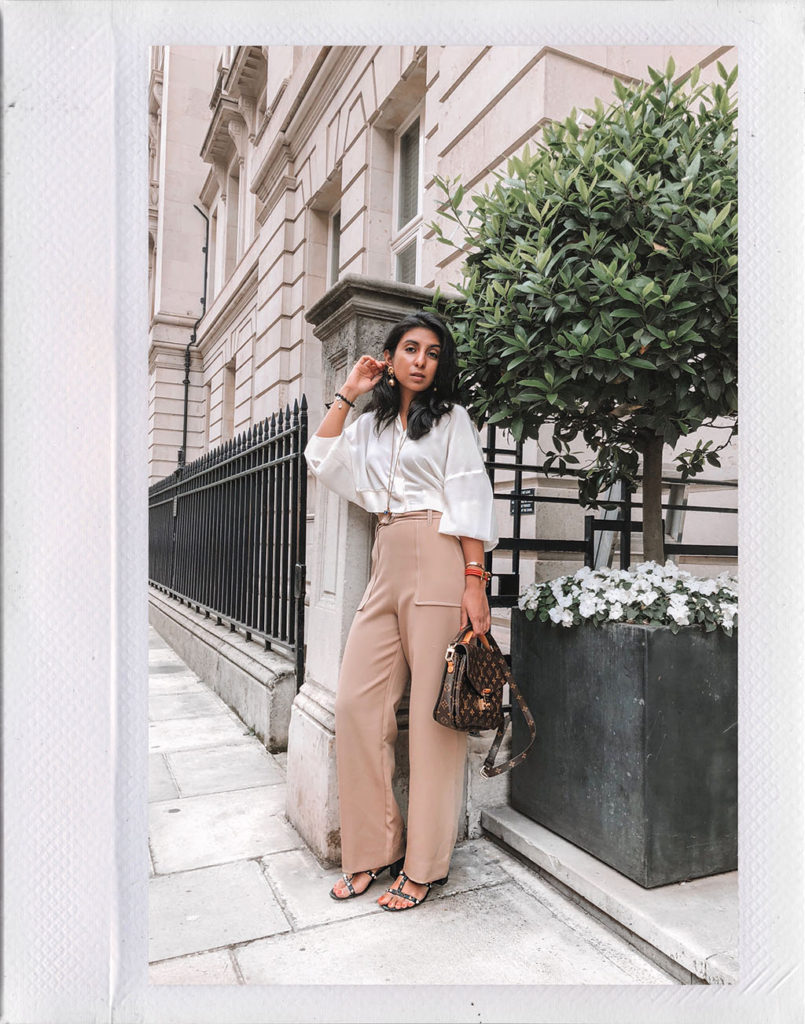

Get Afterlight Here

Fashion blogger Shloka Narang of The Silk Sneaker reveals how she creates her Instagram stories and her three must have apps

I hope this helps you on your Instagram journey and I cannot wait to see all the amazing content you all create. Don’t forget to tag @thesilksneaker or #inspiredbyTSS for a chance to have your creative stories shared by me!

Never Miss A Post! Click here to Follow me on Bloglovin

My Secret Stylish(ly) Weapon


How many times have you woken up in the morning and thought to yourself, “I don’t know what to wear today….”.

Suddenly every outfit you previously thought of disappears in a *poof*. When you try to remember what exactly you have in your closet, again *poof*. Every single woman I know has experienced this traumatising morning experience, and trust me, there is nothing worse than walking out feeling like you could have looked better. Luckily for you, I’m about to let you in on a secret – I’m going to show you the one thing you need in your life to make sure you always feel and look your best. Let me introduce you to Stylishly. 

stylishlyapp_6_thesilksneaker
stylishlyapp_1_thesilksneaker

I’ve been asked so many times, how do I get ready and know exactly what to wear? The answer is much simpler than you would imagine – I have Stylishly, the coolest new fashion app around.

Stylishly puts my entire wardrobe on my phone at my fingertips. I can figure out what I’m wearing to that party on Friday or to my meeting tomorrow, no matter where I am or what I’m doing.

stylishlyapp_2_thesilksneaker

I loved putting all my clothes on the app because it was a great way for me to remember all the pieces at the back of my closet that I adore and to get rid of all the clothes I know don’t suit me anymore!

(If you are feeling super lazy though, treat yourself to some VIP treatment and the Stylishly team will come in and photograph all your clothes and put it on the app for you!)

stylishlyapp_3_thesilksneaker

My favourite part about Stylishly that makes it better than the other closet apps out there, is the fact that it’s social.

One of the fun things about fashion is sharing your looks with your friends and getting opinions – you can create a look and send it to your friends and get their input too! Feeling a bit more personal? You can take a peek right into their closet and style something for them!

stylishlyapp_4_thesilksneaker

Stylishly will style outfits for me based on what I have in my closet, and it’ll even show me all the products out there that would go perfectly with my wardrobe! (Uh, did this app just find my next dream bag/sweater/ring? Yes it did! Cha-ching) Once it shows you all the things you have and all the things you need, you can even shop from the app!

So, an app that puts your whole closet on your phone, lets you shop, and let’s you and your friends style looks for each other? Forget the Clueless interface, your most stylish friend is here, and she’s here to stay!